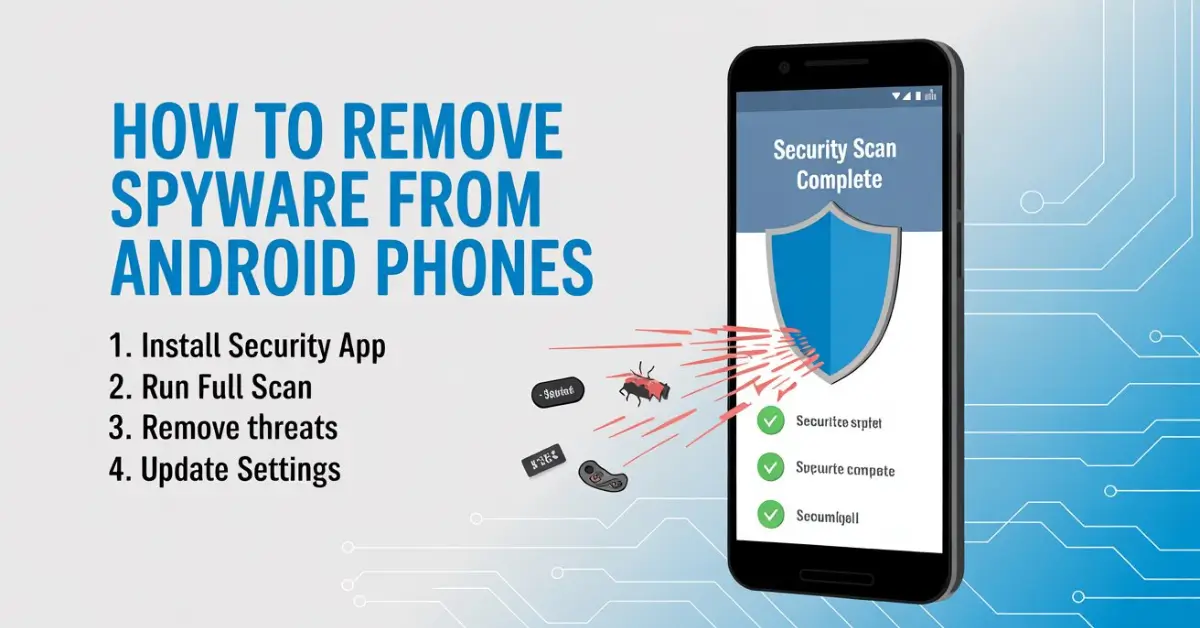
Spyware on Android doesn’t usually announce itself. There’s no loud alert, no obvious warning, and no single symptom that screams something is wrong. Instead, it hides quietly in the background, watching what you do, collecting data, and slowly draining your phone’s performance and battery.
I’ve dealt with this more times than I’d like, both on my own devices and helping others. In most cases, people didn’t install “spyware” intentionally. It came bundled with a shady app, a fake update prompt, or something that looked harmless at the time. The goal of this guide is simple: help you remove spyware from your Android phone safely, without panic, and without doing anything that could make the problem worse.
You don’t need to be technical. You don’t need paid tools. And you don’t need to factory reset your phone unless it’s absolutely necessary.
What spyware actually does on Android
Spyware is a category of apps or hidden processes designed to monitor activity without clear consent. On Android, this can include tracking location, reading messages, logging keystrokes, recording calls, or uploading data to external servers. Some spyware is aggressive and obvious. Most of it is subtle.
What makes Android spyware tricky is that it often disguises itself as something normal. I’ve seen it hide under generic names like “System Update,” “Device Service,” or “Settings Helper.” These names are chosen on purpose to avoid suspicion.
Spyware usually enters a phone through sideloaded apps, fake Play Store listings, phishing links, or by granting excessive permissions to apps that never needed them in the first place.
Signs your Android phone may be infected

There’s no single symptom that proves spyware is present, but patterns matter. If your phone suddenly feels warm even when you’re not using it, or your battery drains much faster than it used to, something may be running constantly in the background. Unexpected data usage is another common sign, especially if you haven’t changed your habits.
I’ve also noticed spyware-related phones tend to lag in odd ways. Not general slowness, but short freezes, delayed screen responses, or apps closing unexpectedly. Pop-ups outside the browser, settings changing on their own, or new apps appearing without your memory of installing them are all red flags.
One sign people often ignore is strange permission requests. If a flashlight app wants access to your microphone or SMS messages, that’s not normal.
Check app permissions before uninstalling anything
Before deleting apps at random, take a moment to review permissions. Android gives you a clear overview of which apps can access sensitive areas like location, microphone, camera, contacts, and storage.
Open your settings, go to privacy or permission manager, and inspect each category. I always start with microphone and accessibility access, because spyware loves those. Accessibility permissions are powerful and often abused, allowing apps to read screen content and control actions.
If you see an app you don’t recognize or one that clearly shouldn’t need those permissions, revoke access immediately. In many cases, this alone will neutralize the spyware enough to stop data collection.
Look for suspicious apps hiding in plain sight

Spyware apps often don’t use familiar branding. Instead, they rely on vague names and blank icons. Scroll slowly through your installed apps list and look for anything you don’t remember installing.
When I help someone with this step, I ask a simple question for each app: “Do you know exactly why this is here?” If the answer is no, it deserves scrutiny.
Tap into the app details and check storage usage, permissions, and battery consumption. Spyware often uses more battery than expected for something that claims to do almost nothing.
If the uninstall button is disabled, that’s another warning sign. Some spyware tries to gain device admin privileges to make removal harder.
Remove spyware safely without breaking your phone
Once you’ve identified a suspicious app, uninstall it like you would any normal app. If Android refuses, check whether it has device admin access and disable that first. After uninstalling, restart your phone. This step matters more than people realize, because it clears lingering background processes.
If you’re unsure whether an app is malicious, it’s better to remove it than to leave it installed “just in case.” Legitimate apps rarely hide their purpose or block removal.
For users who want extra confirmation, reputable antivirus apps can help detect known spyware patterns. I recommend using them as a second opinion, not as your only line of defense. The real protection comes from understanding what’s installed on your device.
Check for spyware outside of apps
Not all spyware behaves like a normal app. Some abuses browser permissions, notification access, or profile-level settings. Review which apps can send notifications, draw over other apps, or install unknown software.
I’ve seen cases where spyware lived entirely inside a browser extension or web app. Clearing browser data, removing unknown extensions, and resetting browser settings can eliminate these threats.
Also check Google account security settings. If spyware was trying to harvest data, your account may show unusual access activity. This ties closely into broader security hygiene, especially if you’re serious about how to protect online accounts from hackers beyond just your phone.
When a factory reset is the right move
Most spyware can be removed without wiping your phone, but there are exceptions. If spyware keeps reappearing after removal, or if your phone behaves as if it’s being remotely controlled, a factory reset may be necessary.
Before doing this, back up only essential data like photos and contacts. Avoid restoring apps automatically, as that can reinstall the spyware. I’ve seen people unknowingly re-infect their phones by restoring everything without reviewing what comes back.
After a reset, update Android fully before installing any apps. This closes known vulnerabilities and gives you a clean foundation.
Prevent spyware from coming back
Removing spyware is only half the job. Preventing it from returning is what actually protects you long-term. Stick to the Play Store, but don’t blindly trust it either. Read reviews, check developer names, and avoid apps with vague descriptions.
Be cautious with links sent via SMS, email, or social media, even if they appear to come from someone you know. Many spyware infections start with a single tap.
One habit that makes a real difference is managing passwords properly. Reused or weak passwords can lead to account compromise, which then leads to device-level issues. Learning how to create strong passwords without remembering them helps close that door without adding mental stress.
Final thoughts on Android spyware
Spyware is unsettling because it feels personal. Your phone is with you all the time, and the idea that something is quietly watching can be uncomfortable. The good news is that most Android spyware relies on user oversight, not advanced hacking.
By paying attention to permissions, questioning unfamiliar apps, and keeping your system updated, you reduce your risk dramatically. I’ve seen phones go from unstable and unreliable to perfectly normal again after removing just one bad app.
If something feels off on your Android device, trust that instinct. A few minutes of checking now can save you a lot of trouble later.