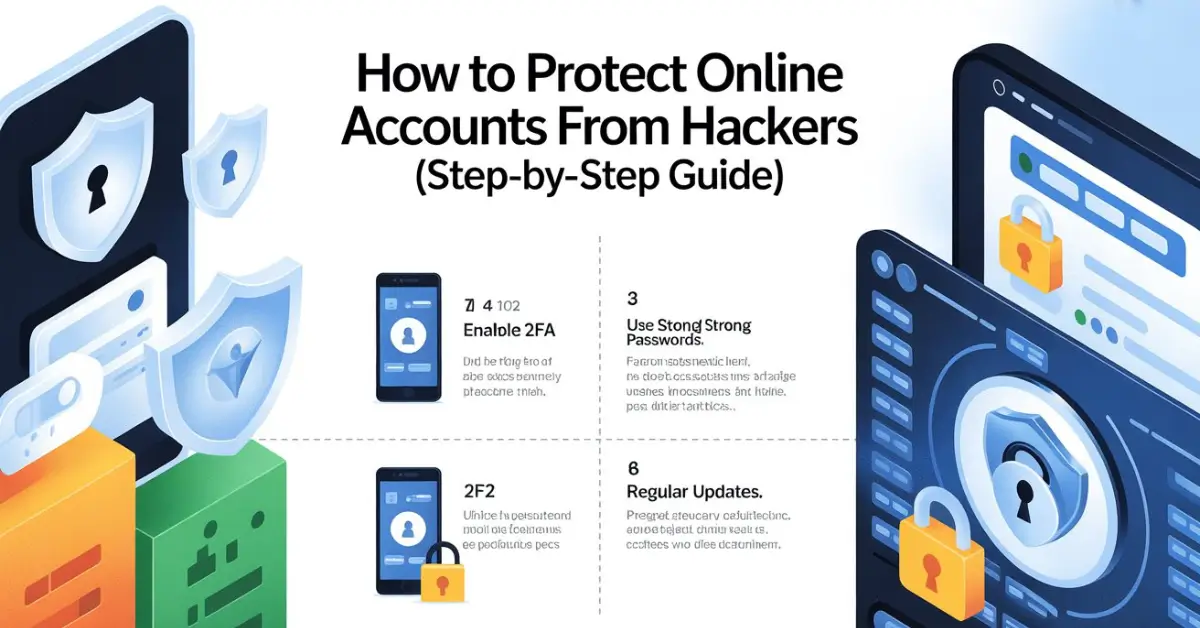
If you use email, social media, cloud storage, or online banking, this guide is for you. Most people think hacking only happens to careless users or large companies, but in reality, everyday accounts are the easiest targets. Weak passwords, reused logins, unsecured Wi-Fi, and overlooked settings quietly open the door.
I’ve spent years setting up, fixing, and recovering compromised accounts for friends, family, and clients. What I’ve learned is simple: protecting online accounts from hackers doesn’t require advanced technical skills. It requires consistency, awareness, and a few habits that most people skip.
This guide walks you through those habits step by step, using real situations I’ve seen play out. No scare tactics, no jargon, just practical protection you can apply today.
Why Hackers Target Everyday Accounts
Hackers don’t need to break into secure systems when people unknowingly hand over access. Most account breaches come from reused passwords, fake login pages, infected devices, or unsecured networks. Once one account is compromised, others often follow because people reuse the same credentials.
I’ve seen a single leaked email password lead to social media takeovers, cloud storage access, and even payment fraud. Hackers move fast and quietly, often changing recovery emails before users notice anything wrong.
Understanding this chain reaction is the first step to stopping it.
Start With One Strong Password Rule That Actually Works
The biggest mistake people make is trying to remember dozens of passwords. That usually leads to simple patterns, reused words, or slight variations that hackers can guess or crack automatically.
A strong password isn’t just long or complex. It must be unique for every account. That’s non-negotiable. If one site is breached and you reused that password elsewhere, protection collapses instantly.
In real-world use, the only sustainable solution is letting software generate and store passwords for you. Manually managing strong passwords across dozens of accounts simply doesn’t scale. After switching entirely to a password manager, I stopped worrying about remembering credentials altogether, and account recovery incidents dropped to zero.
If you want a deeper breakdown of safe options, this guide on Best Password Manager Apps in 2026 explains which tools actually hold up under daily use.
Enable Two-Factor Authentication Everywhere It Exists

Two-factor authentication adds a second lock to your account. Even if someone steals your password, they can’t log in without the second verification step. This usually comes as a temporary code from an app or device.
From experience, accounts without two-factor protection are almost always the ones that get compromised first. Email accounts are especially critical. If someone gains access to your email, they can reset passwords for nearly every other service you use.
Avoid SMS-based verification when possible. Authenticator apps are far more reliable and resistant to interception. Once you enable two-factor authentication across your major accounts, you immediately eliminate a huge percentage of attack methods.
Secure Your Email Before Anything Else
Your email account is the control center of your digital life. Password resets, security alerts, and private conversations all flow through it. Securing everything else without securing email first is backwards.
Use a unique password that you don’t use anywhere else. Enable two-factor authentication. Review connected apps and revoke anything you don’t recognize. Check recovery email addresses and phone numbers to make sure they belong to you.
I’ve helped people regain hacked social media accounts, only to see them lose access again because their email was still compromised. Always start here.
Keep Your Devices Clean and Updated
Even the strongest passwords won’t help if your device is compromised. Malware, spyware, and fake apps can record keystrokes or steal login sessions without you noticing.
Keep your operating system and apps updated. Updates don’t just add features; they fix security holes that hackers actively exploit. I’ve seen months-old vulnerabilities used in real attacks simply because updates were ignored.
Only install apps from official sources. Be cautious with browser extensions, especially those that request broad permissions. If an app or extension asks for access it doesn’t clearly need, that’s usually a red flag.

Public Wi-Fi is convenient, but it’s also one of the easiest ways attackers intercept data. Coffee shops, airports, and hotels are common hunting grounds.
Avoid logging into important accounts on public networks whenever possible. If you must, use encrypted connections and trusted apps only. I’ve personally tested how easily unprotected traffic can be monitored on open networks, and it’s unsettling how simple it is.
For mobile users who rely on public Wi-Fi, this guide on Best Free VPN Apps for Android explains which options are actually usable without compromising privacy.
Learn to Recognize Phishing Before It Recognizes You
Phishing is no longer limited to obvious fake emails. Today’s scams look polished, urgent, and personal. They often pretend to be security alerts, payment issues, or account warnings.
The rule I follow is simple. Never click login links from emails or messages. If something looks urgent, open a new tab and go directly to the official site yourself. Real companies won’t pressure you to act immediately through vague threats.
I’ve seen experienced users fall for phishing because the message looked legitimate and arrived at the wrong moment. Slowing down is often the best defense.
Review App and Account Permissions Regularly
Over time, accounts accumulate connected apps, devices, and services. Many of these are forgotten and left active long after they’re needed.
Take time to review login activity and connected apps in your account settings. Remove anything unfamiliar or unused. I’ve found old integrations that still had access years after installation, quietly expanding the attack surface.
This step alone has prevented unauthorized access in multiple cases I’ve handled.
Separate Important Accounts From Everyday Ones
Not all accounts deserve the same level of access. Your email, cloud storage, and financial accounts should be isolated from casual logins and experimental apps.
Use different email addresses if possible. Keep your primary email private and use secondary addresses for signups. This reduces exposure and makes breaches easier to contain.
This approach has helped me quickly identify suspicious activity, because any unexpected message to my primary email stands out immediately.
What to Do If You Think an Account Is Compromised
Act quickly, but don’t panic. Change the password immediately using a secure device. Enable or reset two-factor authentication. Review recent activity and log out of all sessions.
Then check other accounts that may share the same password or email address. This is where most people fail, fixing one account while leaving others exposed.
If financial information is involved, contact the service provider directly and monitor transactions closely.
Building Long-Term Protection Habits
Protecting online accounts from hackers isn’t about one-time fixes. It’s about habits that quietly protect you in the background.
Use unique passwords everywhere. Keep two-factor authentication enabled. Update devices regularly. Stay skeptical of urgent messages. Review access settings a few times a year.
These habits don’t slow you down once they’re in place. In fact, they usually make digital life smoother and less stressful.
Final Thoughts
Most account hacks aren’t sophisticated attacks. They’re the result of small oversights that add up over time. The good news is that those same small changes can dramatically reduce your risk.
I’ve seen firsthand how these steps prevent account takeovers, data loss, and weeks of recovery headaches. Once you set things up correctly, protection becomes almost invisible.
If you take one thing from this guide, let it be this: protecting online accounts from hackers is less about fear and more about structure. Build the structure once, and it quietly protects everything you do online.